HighLevel (GoHighLevel) setup checklist: what to set up first
Independent guide. Not affiliated with or endorsed by HighLevel. Features and prices change; check HighLevel's own help center for the latest.
Start with strategy, not settings. Decide who you serve, your first offer and where leads come from. Then set up your business profile, domain and email, phone number and texting registration, calendar, one pipeline, missed-call text-back, and one form. Add websites, ads and automations after that.
Table of contents
Why order matters
New to HighLevel and want the full setup walkthrough? See how to set up HighLevel for your business, and gather everything you'll need first with the onboarding prep checklist.
- Texting registration takes time for carrier review, so start it early — before you build the workflows that depend on it.
- Workflows need a pipeline and a calendar to send leads to. Build those first, or your automations have nowhere to route.
- Importing contacts before automations exist wastes them — there's no follow-up waiting to catch them.
The 5 phases
Strategy
Who you serve, your first offer, your lead sources, and what happens in the first 5 minutes after a lead comes in.
Connect
Business profile, domain and email, phone number, texting registration, and calendar — in the order that keeps things from breaking later.
Front Desk
Missed-call text-back, website chat, appointment reminders, and an after-hours reply or AI assistant.
Sales Office
One pipeline with clear stages, a 7–14 day follow-up sequence, lead-source tags, and someone assigned to new leads.
Marketing & Intelligence
One landing page with a form, review requests after each job, Google Analytics and Search Console connected, and a weekly numbers review.
Common mistakes
- Building 20 workflows on day one, before the pipeline or calendar exists.
- Texting before your registration is approved — messages won't deliver.
- Importing your whole list with no tags, so you can't tell leads apart later.
- No one assigned to answer leads — the system is built but nobody's watching.
Interactive Setup Checklist
Check each box as you go. Your progress saves on this device.
HighLevel Setup Checklist
Built Live · 0 of 22 done
Phase 1 · Strategy
0/4Phase 2 · Connect
0/6Phase 3 · Front Desk
0/4Phase 4 · Sales Office
0/4Phase 5 · Marketing & Intelligence
0/4Example estimate based on your inputs. Print this and keep it by your screen.
Common questions
Your strategy, then your business profile, domain, phone and texting registration. Those unlock everything else.
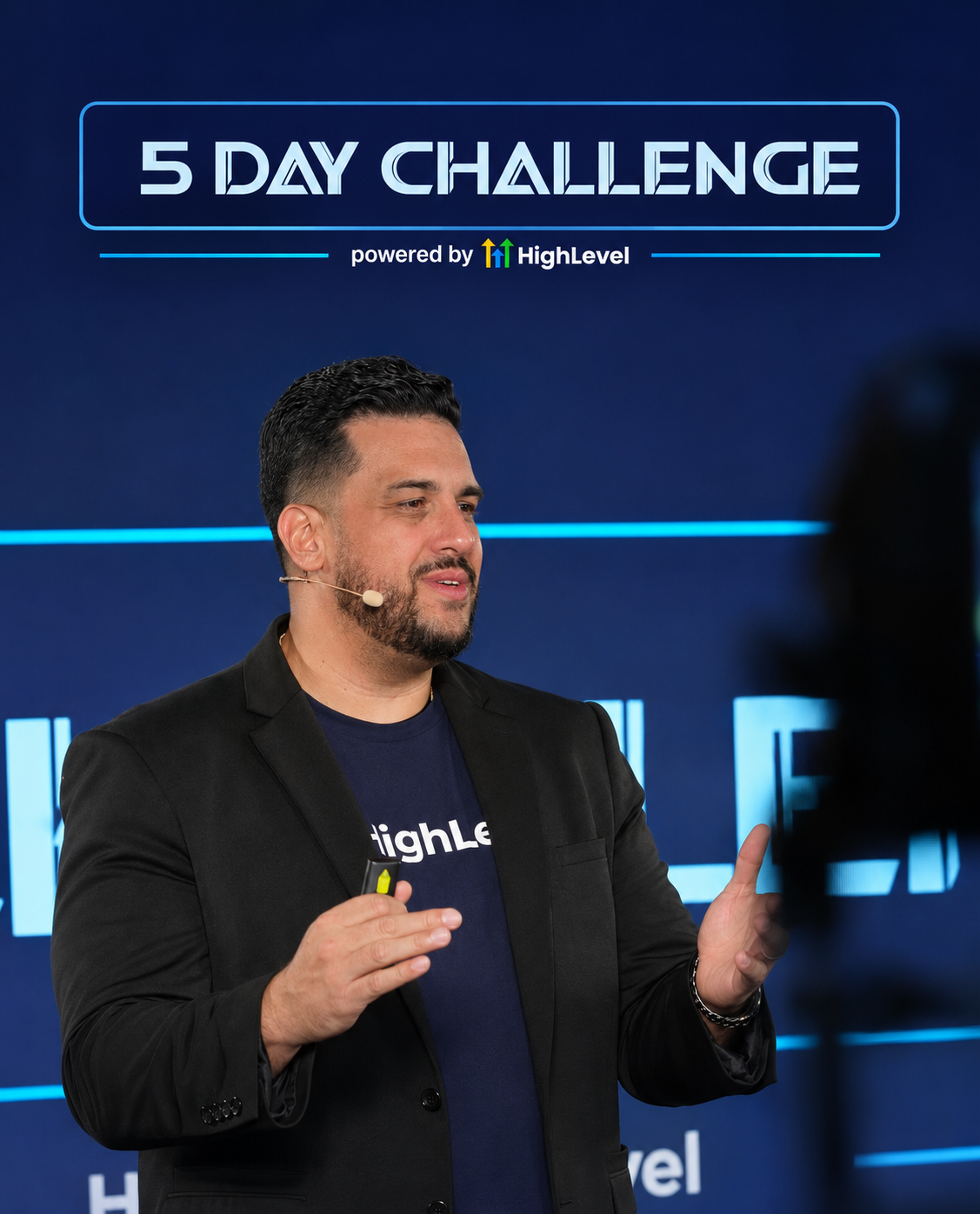
John Bermudez
HighLevel trainer and consultant · Built Live · South Florida
who has taught HighLevel to 50,000+ business owners in 5+ countries over 2.5+ years
Keep learning
Stuck on something in HighLevel? Ask John.
I read every question. The best ones become free guides on this page.
Want this built in your own account, with your team, over three days?
Built Live is a hands-on, three-day HighLevel Business Mastery event in Miami, FL — December 11–13, 2026. 15 seats per session.
Prefer to read first? The Built Live Workbook comes with every seat.
No HighLevel account yet?
Start a free trial right now and get in and started.
You can set up a trial in minutes and follow along with everything we build — no account required to reserve a seat, but you'll want one in hand by build day.
Start your HighLevel trialWe earn a commission if you sign up for HighLevel through our referral link, at no additional cost to you. We remain an independent training provider, not a HighLevel employee, agent or official representative.