HighLevel onboarding: what to gather before you set it up
Independent guide. Not affiliated with or endorsed by HighLevel. Features and prices change; check HighLevel's own help center for the latest.
Before you set up HighLevel, gather 4 things: business details (legal name, EIN or tax ID, address, website, hours), logins (domain, Google Business Profile, Facebook/Instagram, payment processor), your content (services and prices, FAQs, logo, photos) and decisions (who runs it, your pipeline stages, your follow-up messages). With these ready, setup goes much faster and A2P registration is less likely to be rejected.
Table of contents
Business details
These are the facts carriers and email providers check, so they need to match your public information exactly. Gather them before you touch any settings:
- Legal business name — the exact name on your registration, not a DBA or a shortened version.
- EIN or tax ID — needed for text registration.
- Business address — the one listed publicly, matching your Google Business Profile.
- Website URL — a live site that matches your business name.
- Business hours — used for after-hours replies and booking windows.
- Business phone number — the one customers already call.
A2P carriers compare what you submit against what's public. A mismatched legal name or address is a common reason registration gets rejected or delayed. See the A2P walkthrough.
Logins and access
Know who owns each login before setup. The business should own the account, the domain and the numbers — not an outside vendor. You can grant access to anyone who helps you, but the assets should live under the business:
- Domain registrar login — you own the domain, even if someone else manages DNS for you.
- Google Business Profile access — owner-level, not just manager.
- Facebook / Instagram business access — so you can connect messaging and ads later.
- Payment processor login — if you'll take payments or deposits.
- The email you'll use as account owner — one the business controls, not a personal address.
Your content
Setup moves faster when the words and images are already in a document, not in your head:
- List of services and prices — what you sell and what it costs.
- Top 5–10 customer FAQs and your answers — these become your reply templates and your AI front desk answers.
- Logo file — a transparent PNG if you have one.
- A few photos — of your work, your space, or your team.
- Brand colors — hex codes if you have them.
Decisions to make first
A few decisions up front save you from stalling mid-setup. You don't need perfect answers — you need a starting point you can refine:
- Who runs it — one person who owns the day-to-day, plus a backup.
- Your pipeline stages — the steps a lead moves through from first contact to won. See the pipeline guide.
- Your response-time goal — how fast a new lead should get a reply.
- What happens after a missed call — the text-back message a caller gets. See the text-back guide.
Bring this to your build day
This checklist is the official prep list for Built Live guests. The more of it you gather before you arrive, the more you build on the day — and the less time you spend hunting for a login or a logo while everyone else is building.
Built Live runs three separate one-day build days — Friday Dec 18, Saturday Dec 19 and Sunday Dec 20, 2026, 8 AM–4 PM, at the Hilton Miami Aventura. Pick one date and bring everything above. See build day dates · Reserve a seat.
Onboarding Prep Checklist
Check each box as you gather it. Your progress saves on this device — no login.
HighLevel Onboarding Prep Checklist
Built Live · 0 of 20 gathered
Business details
0/6A2P carriers check these against your public info — they must match exactly.
Logins and access
0/5The business should own the account, the domain and the numbers — not an outside vendor.
Your content
0/5Decisions to make first
0/4This is the official prep list for Built Live guests. Print it and keep it by your screen.
Common questions
Gather four things: business details (legal name, EIN or tax ID, address, website, hours), logins (domain, Google Business Profile, Facebook/Instagram, payment processor), your content (services and prices, FAQs, logo, photos) and a few decisions (who runs it, your pipeline stages, your follow-up messages). With these ready, setup goes much faster.
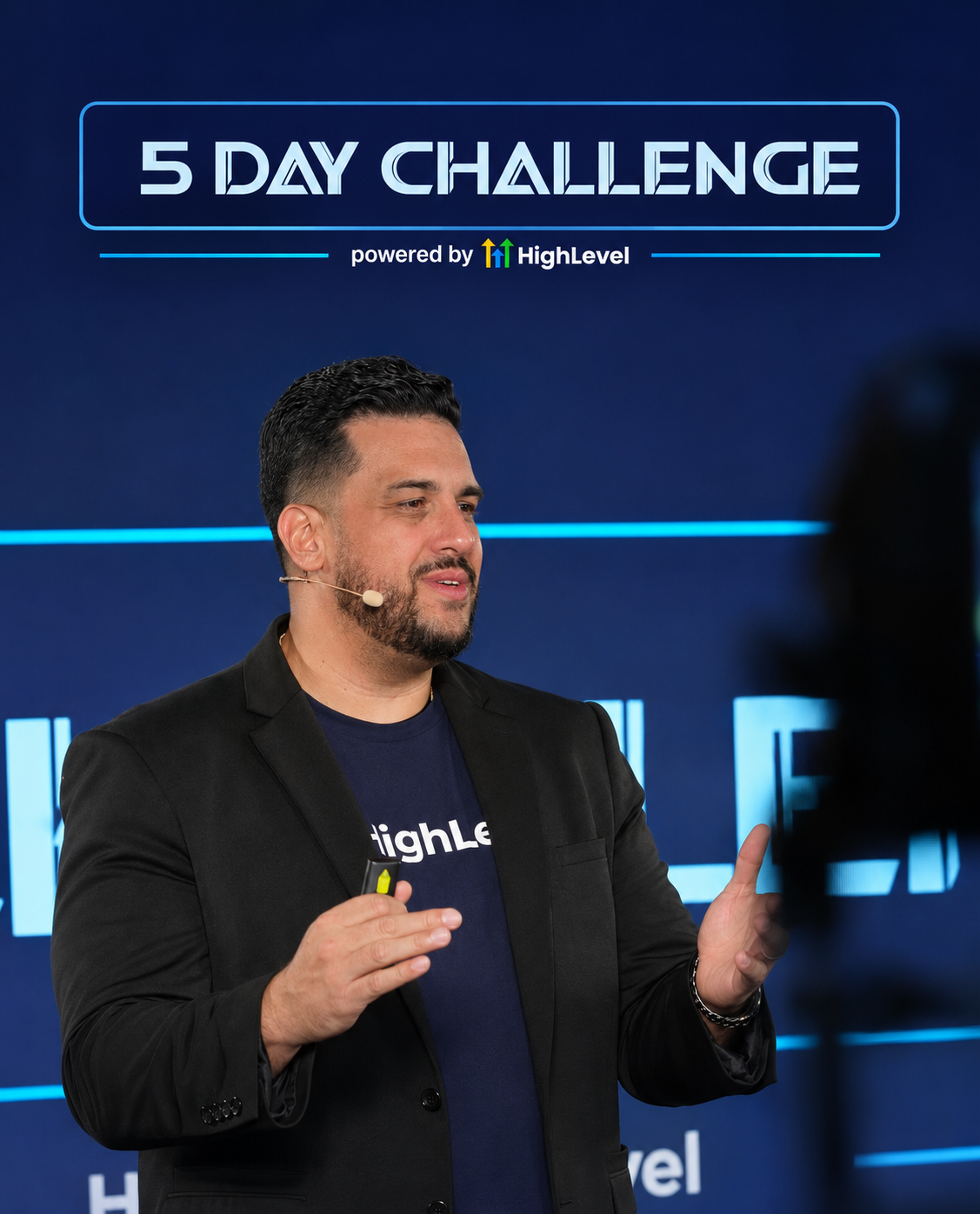
John Bermudez
HighLevel trainer and consultant · Built Live · South Florida
who has taught HighLevel to 50,000+ business owners in 5+ countries over 2.5+ years
Keep learning
HighLevel Setup Checklist
Set it up in the order that keeps things from breaking later.
7 min read · Free tool
A2P 10DLC Registration
Register your number for business texting in the US.
5 min read · Free tool
How to Set Up HighLevel for Your Business
The 7-stage setup order, what each piece does, and how long it takes.
8 min read · Free tool
Stuck on something in HighLevel? Ask John.
I read every question. The best ones become free guides on this page.
Want this built in your own account, with your team, over three days?
Built Live is a hands-on, three-day HighLevel Business Mastery event in Miami, FL — December 11–13, 2026. 15 seats per session.
Prefer to read first? The Built Live Workbook comes with every seat.
No HighLevel account yet?
Start a free trial right now and get in and started.
You can set up a trial in minutes and follow along with everything we build — no account required to reserve a seat, but you'll want one in hand by build day.
Start your HighLevel trialWe earn a commission if you sign up for HighLevel through our referral link, at no additional cost to you. We remain an independent training provider, not a HighLevel employee, agent or official representative.