How to switch from ClickFunnels to HighLevel without losing a sale
With John Bermudez · Updated November 2026
Quick answer
You can move from ClickFunnels to HighLevel in about a week of part-time work if you go in order: start the 14-day trial, import your funnels with HighLevel's ClickFunnels importer, import contacts by CSV, rebuild your email and SMS workflows, reconnect payments, then switch your domain. Keep ClickFunnels running until the new funnels have taken real orders. (Timing note: "about a week" is a typical small-account estimate, not a promise. Big accounts take longer.)
Affiliate disclosure: We earn a commission if you sign up for HighLevel through our referral link, at no additional cost to you. We remain an independent training provider, not a HighLevel employee, agent or official representative.
Before you start: what moves and what you rebuild
- Moves with tools: funnel pages (importer), contacts (CSV), products (re-create or import).
- You rebuild: email sequences and workflows, course/membership access rules, payment integrations, domains.
- Stays put: if you process through Stripe, your Stripe account and payment history stay in Stripe. If you use ClickFunnels' own payments, export your order and subscriber records first.
The 8-step switch plan
Step 1 is the free trial, so you can build everything before you pay or cancel anything.
- Start your 14-day HighLevel trial and connect your sending domain.
- Import your funnels with HighLevel's importer, one funnel at a time, and fix any spacing or forms.
- Export your ClickFunnels contacts with tags and import them via CSV, mapping tags.
- Re-create your products and connect Stripe (or your processor) in HighLevel Payments.
- Rebuild your email sequences and automations in the workflow builder, revenue-driving ones first.
- Move courses or memberships, then test student access with a test login.
- Connect your domain to HighLevel and repoint your funnel URLs.
- Place a real test order, run both for a week, then cancel ClickFunnels.
ClickFunnels → HighLevel switch checklist
- Start your 14-day HighLevel trial and connect your sending domain.
- Import your funnels with HighLevel's importer, one funnel at a time, and fix any spacing or forms.
- Export your ClickFunnels contacts with tags and import them via CSV, mapping tags.
- Re-create your products and connect Stripe (or your processor) in HighLevel Payments.
- Rebuild your email sequences and automations in the workflow builder, revenue-driving ones first.
- Move courses or memberships, then test student access with a test login.
- Connect your domain to HighLevel and repoint your funnel URLs.
- Place a real test order, run both for a week, then cancel ClickFunnels.
Start your HighLevel trial
Free for 14 days. Month-to-month after that. Your contacts, your pages, your logins.
Try HighLevel free for 14 daysAffiliate disclosure: We earn a commission if you sign up for HighLevel through our referral link, at no additional cost to you. We remain an independent training provider, not a HighLevel employee, agent or official representative.
Common mistakes to avoid
- Cancelling ClickFunnels before the new checkout has taken a live payment.
- Forgetting active subscribers: decide how their recurring billing will be managed before you cancel.
- Switching your domain mid-launch. Do it on a quiet day.
- Rebuilding every old sequence. Rebuild only what still makes money.
HighLevel's official guides
Common questions
Can I import my ClickFunnels funnels into HighLevel?
Will my contacts move over?
Do my email automations transfer?
What happens to my subscriptions?
How long does the switch take?
Can I build everything before I pay?
Keep reading
Start your HighLevel trial
Free for 14 days. Month-to-month after that. Your contacts, your pages, your logins.
Try HighLevel free for 14 daysAffiliate disclosure: We earn a commission if you sign up for HighLevel through our referral link, at no additional cost to you. We remain an independent training provider, not a HighLevel employee, agent or official representative.
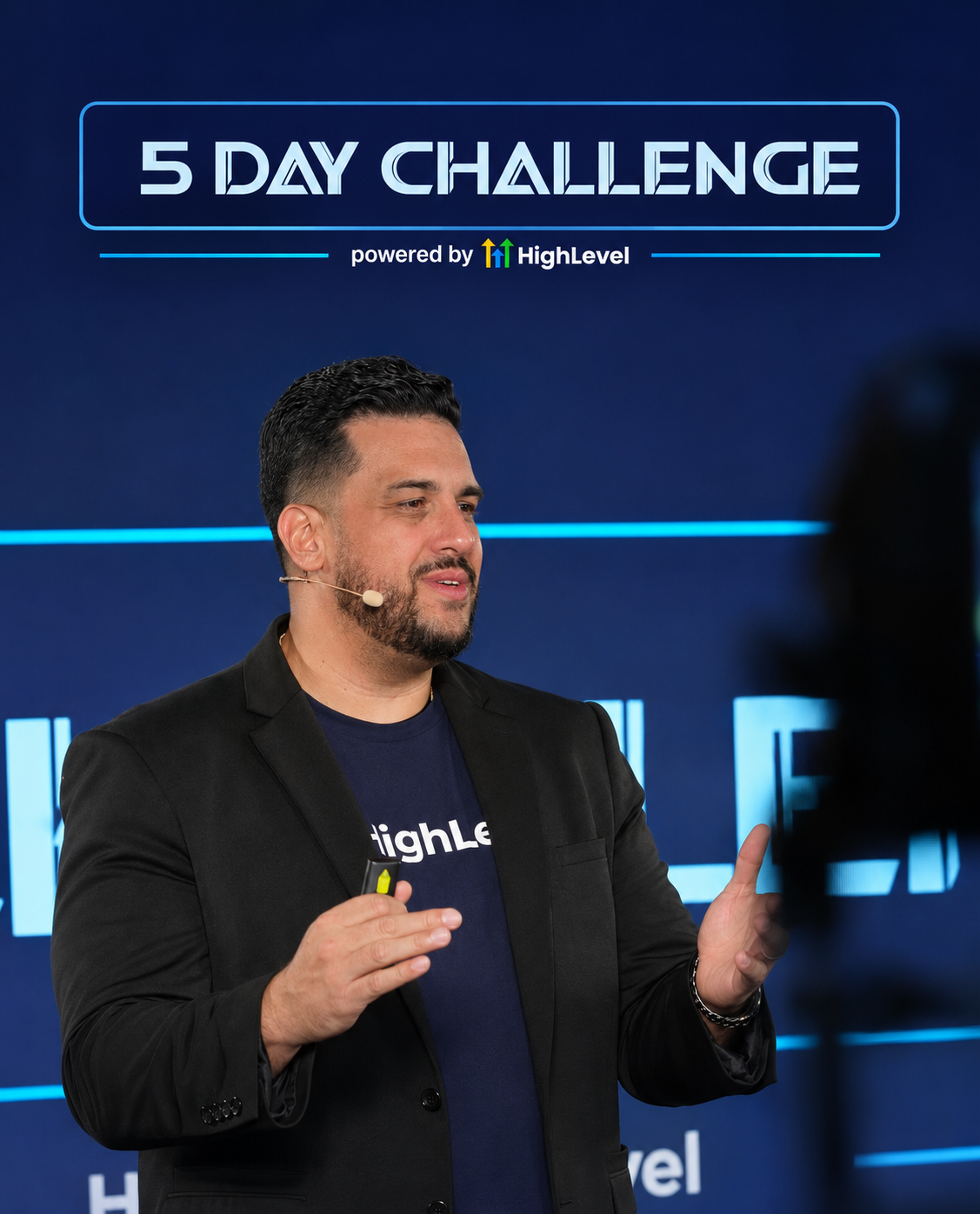
John Bermudez
HighLevel trainer and consultant · Built Live · South Florida
who has taught HighLevel to 50,000+ business owners in 5+ countries over 2.5+ years